
SMALL BUSINESS / OFFLINE BROWSER APP
Stallwise
Bring a little order to market day.
An offline craft fair stock and profit planner. Organise stock, sales, costs and profitability.
One payment. Your download is delivered after purchase.
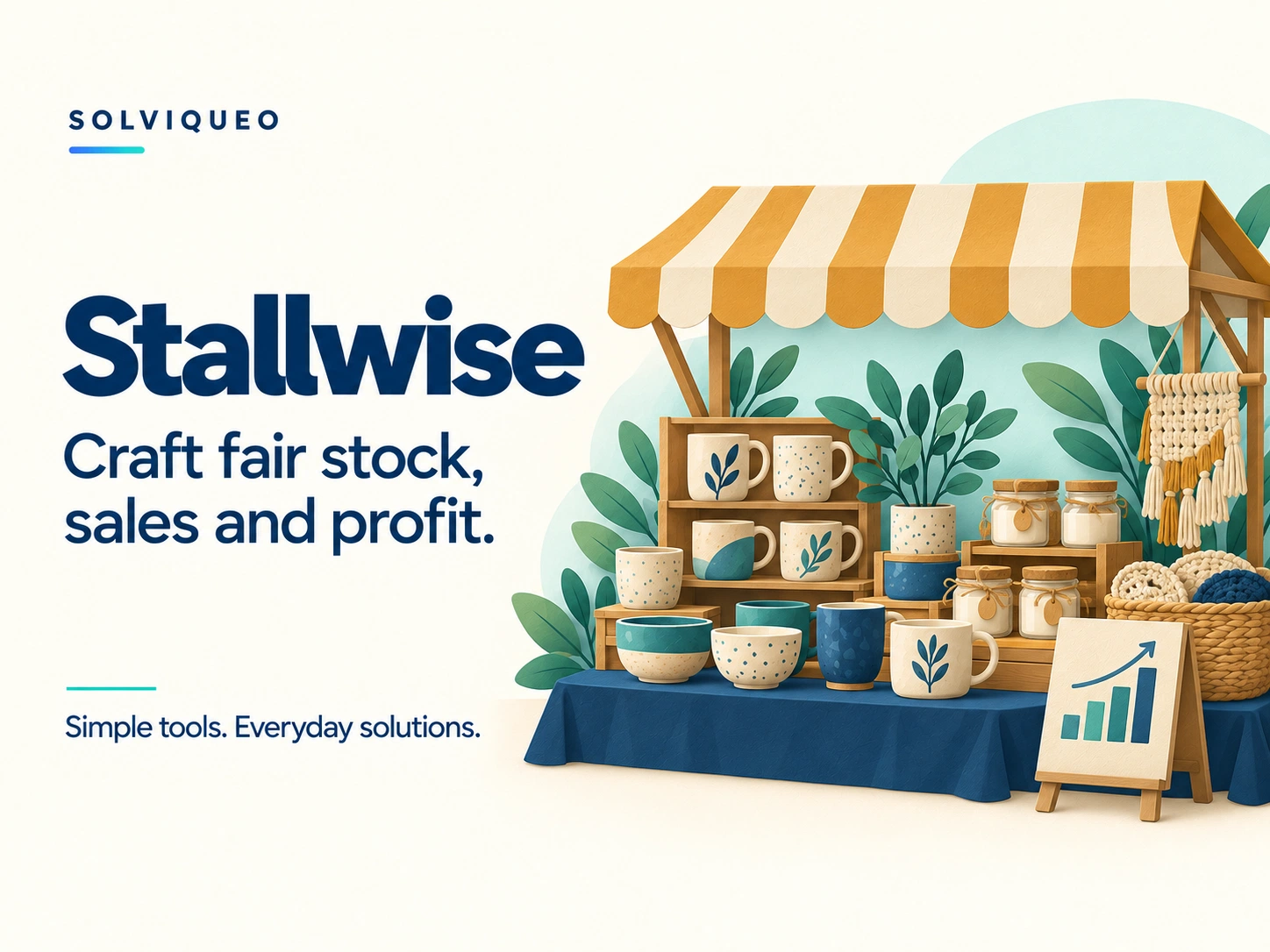
A LITTLE MORE ORGANISED
Bring a little order to market day.
Craft fairs involve more than setting up a stall. Keep stock, sales and costs organised so you can understand your event's profitability.
What is included
Stallwise.html, Quick-Start.html, READ-ME-FIRST.txt and Licence.txt.
What it helps you do
✓Plan packed stock, sales targets, prices and unit costs
✓Record cash or card sales, quantities and discounts
✓Compare planned results with actual figures
✓Track event expenses and a break-even revenue estimate
✓Keep multiple fairs, packing checklists and event notes
✓Export CSV reports and back up fairs as JSON
BEFORE YOU BUY
Know what to expect.
Browsers and devices
Desktop Chrome is the documented tested browser. Android local-file support depends on the browser and file manager; physical Android testing was not performed. iPhone/iPad Files previews are not supported for the interactive editor. Hosted customer access is not included.
These are downloadable HTML browser apps, not App Store or Google Play apps. A responsive layout does not guarantee that a phone’s file viewer can run the editor. Use a browser that permits local HTML, JavaScript, storage and downloads.
A focused tool
Profit is before tax and uses the costs and sales entered. Fixed per-transaction card fees are not automatically calculated. This is not banking, tax-filing or accounting software. Payments are taken outside the app.
Getting started
Extract the ZIP and open Stallwise.html in a browser that runs local HTML and JavaScript.
Set up your fair, products, unit costs, packed stock, sales targets and event expenses. The optional example uses fictional information.
Record sales during the fair, then review your results. Use the report and packing-list views to print or export your own records.
How does saving work?
Work saves in the same browser when local storage is available. Use a JSON backup to keep all fairs and restore them on another device.
Clearing browser data, changing browsers or moving the app file can make saved fairs unavailable. Keep portable backups before making those changes.
CSV exports and printed reports are for reporting; retain the JSON backup for editable records. There is no cloud sync.
What does my licence cover?
One person or one small business may use its copy on its own devices and share its exported reports. Redistribution or resale of the editor is not permitted.
The licence supplied with your purchased version contains the full product terms. This summary does not remove statutory consumer rights.
Does it need an internet connection?
Purchasing and downloading need a connection. The downloaded editor is designed for offline use. External websites and links require internet.